

Compare/Apple Notes·Updated

Mote vs Apple Notes

Apple Notes comes with your Mac and syncs to every Apple device. Mote is the window that floats above whatever you’re doing, with every note saved as a markdown file. $18.99 once.

Free for 3 days. No account, no card.

A recording of Mote: writing a note, an agent editing it, and changing the look

What is Apple Notes?

Apple Notes is the notes app that comes with macOS. It is a rich-text editor that syncs through iCloud to iPhone, iPad, and iCloud.com, with shared notes, locked notes, tags, and Smart Folders. On a Mac, Quick Note opens from a hot corner or Globe-Q, and macOS 26 and later can import and export Markdown.

Mote or Apple Notes: which should you choose?

Choose Apple Notes if…

  • It’s already on your Mac, and you don’t want to pay for a notes app
  • You share notes and folders with other people and edit them together
  • You want notes on iPad and the web, through iCloud.com
  • You lock private notes with a password, and organize with tags and Smart Folders

Choose Mote if…

  • You want a note above the app you’re working in, one shortcut away
  • You write in markdown and want the note saved as a .md file, not in an account
  • You want an agent that edits your notes and runs commands, not only writing help
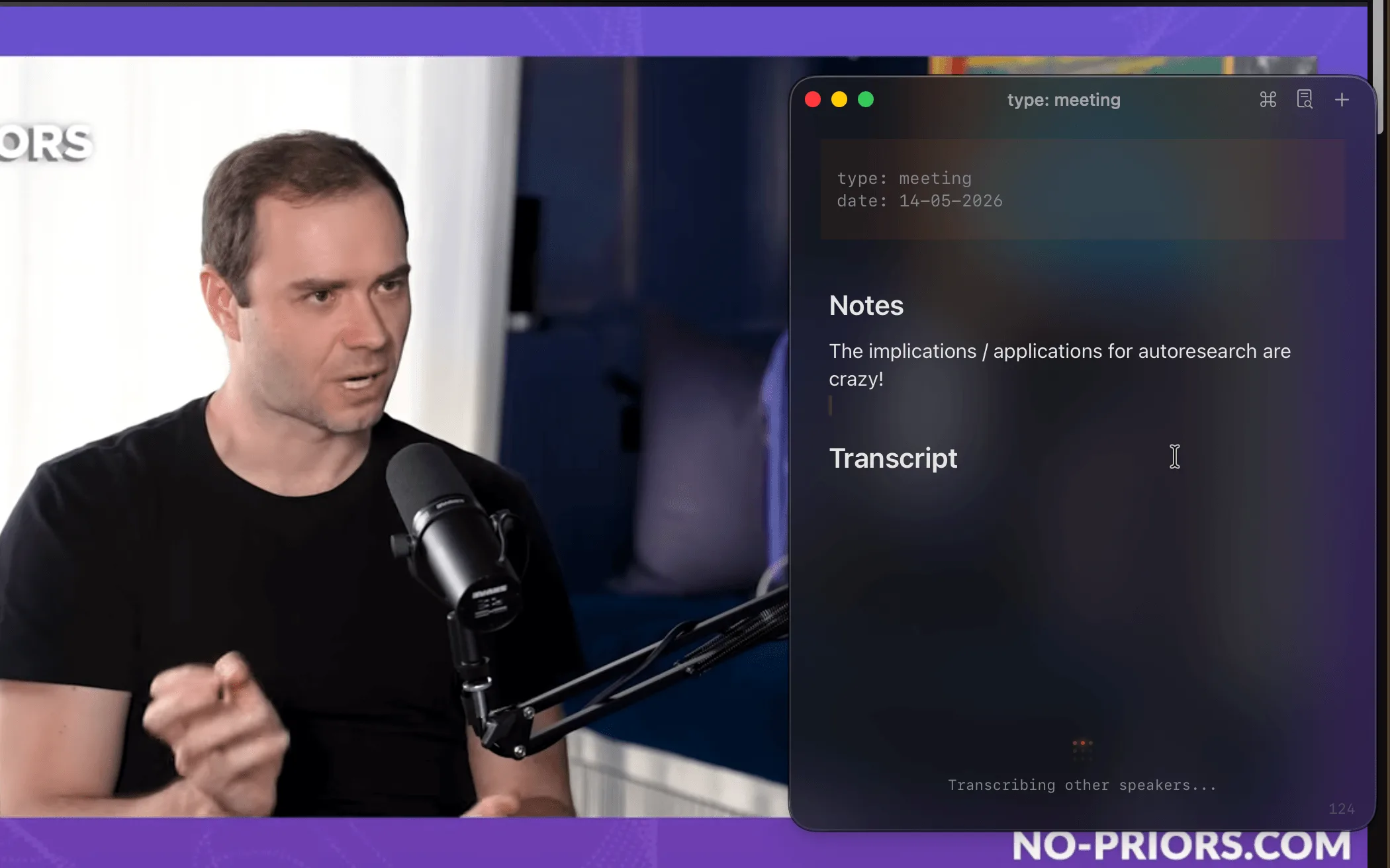
  • You take notes on calls: the meeting is transcribed on your Mac, with You/Them labels
“i like the approach of the main use case is simple (i just want to take quick floating notes), but as my needs grow the software has the depth to support it. i feel like so far mote has been very aligned with that.”
Dorian@dorian_escplanOn Discord
“It's one of those products you really don't think you need, but once you have it, you can't live without it. Meeting notes, notes, terminal, all in one place. It's genuinely a life-changer.”
Max@selzer25On X

Mote vs Apple Notes: features compared.

Checked against Apple’s own pages on Nov 10, 2026.

Mote compared with Apple Notes
MoteApple Notes
Price$18.99 once (first 100 copies), then $24.99Included with macOS
Floating windowFloats above every app, on a shortcutQuick Note stays visible while it’s open
MarkdownLive markdown, saved as .mdRich text; imports and exports Markdown (macOS 26 or later)
Where notes livePlain .md files on your MacIn your iCloud or On My Mac account
ExportNothing to export: notes are already filesOne note at a time, as PDF or Markdown
SyncYour own iCloud; free iPhone app, in betaiCloud, across Apple devices and iCloud.com
Shared notesReal-time collaboration on notes and folders
ObsidianSearch the vault, open daily notes, file notes with ⌘⇧E
Meeting transcriptionOn your Mac, with You/Them labelsRecords and transcribes audio (Mac with M1 or later)
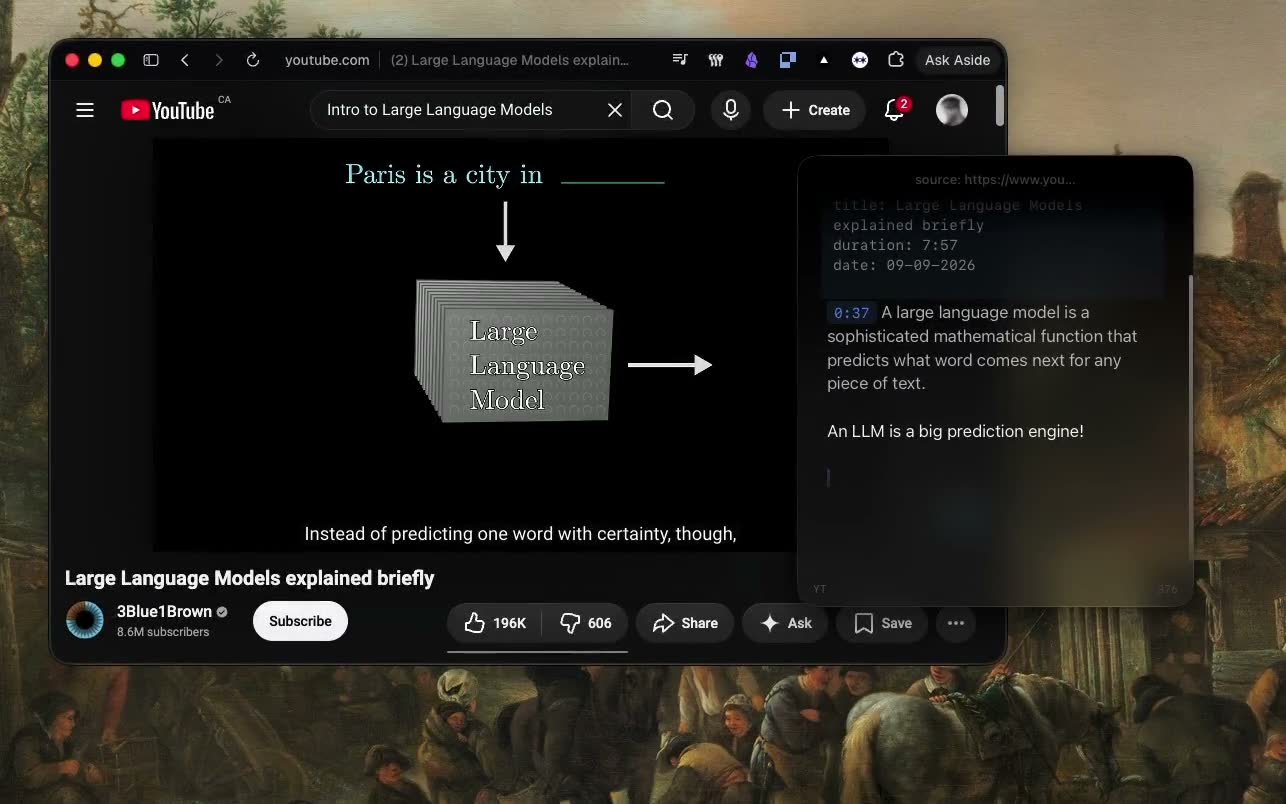
YouTube notesAuto-pause and timestamp links
MathMath mode: currency, %, variablesSolves expressions as you type
AIAgent mode: Claude Code, Codex, or OpenCode reads and edits your notesApple Intelligence: Writing Tools and transcript summaries
TerminalA shell in the same window
No account, no card. $18.99 once after that.

How Mote differs from Apple Notes.

A window that stays where you’re working

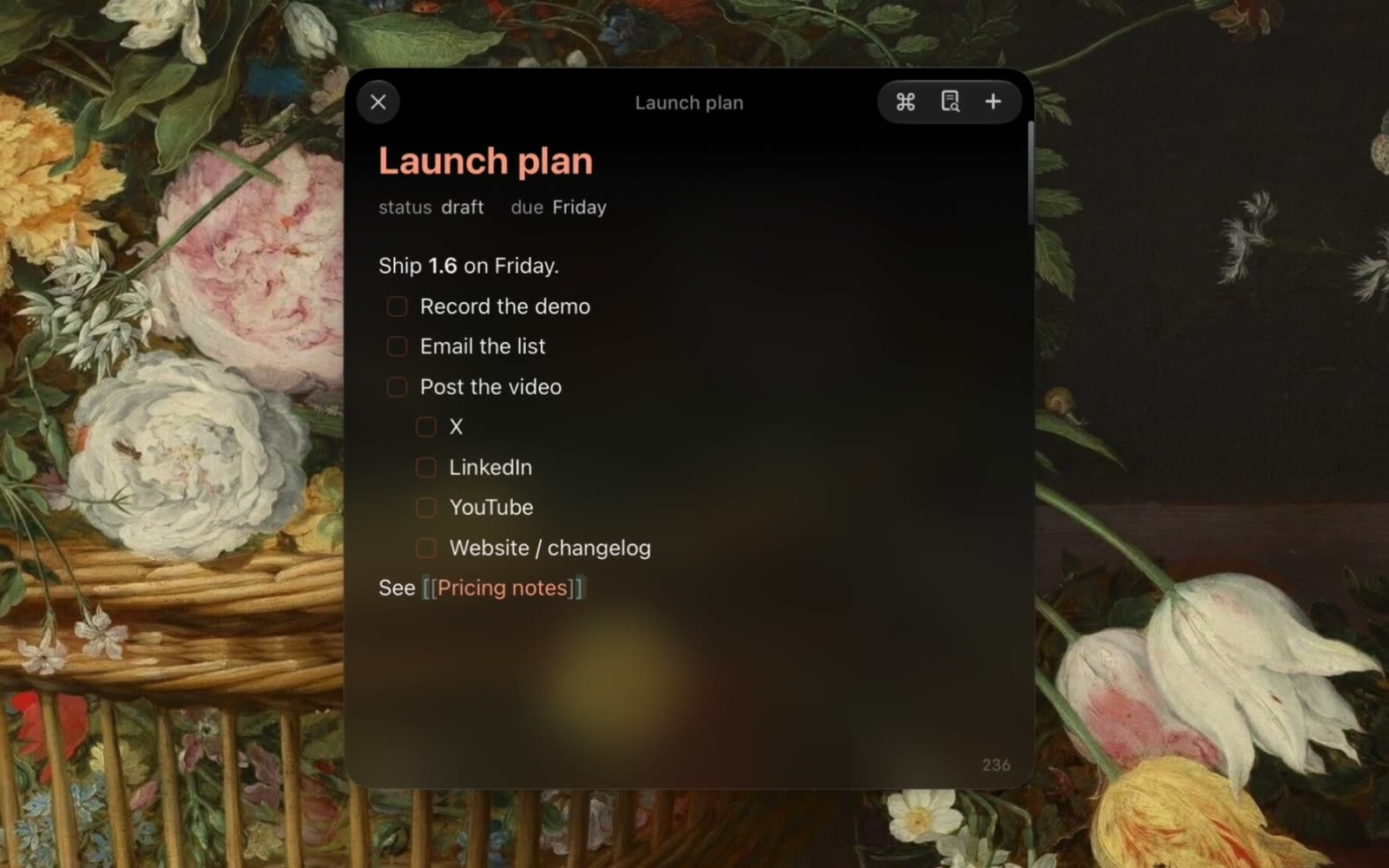
Apple’s Quick Note opens from a hot corner or Globe-Q and stays visible while it’s open. Mote is built around that idea: one shortcut brings the window up above whatever app you’re in, and the same shortcut puts it away. The note, a terminal, and an agent chat sit side by side in it.
Rich text in an account, or files in a folder

Notes is a rich-text editor. Since macOS 26 it converts Markdown you paste or import, and exports a note as Markdown, one note at a time. Mote renders markdown as you type and saves each note as a .md file in ~/.mote/notes. Any editor can open it, and a folder of files is easy to back up or keep in git.

Built for work, not for everything

Notes covers the notes you share, tag, and lock, on every Apple device. Mote does less of that and more for work at your Mac: it searches your Obsidian vault and files notes into it, transcribes meetings on your Mac with You/Them labels, and pauses YouTube while you type.

Agent mode, or Apple Intelligence.

Apple Notes has Apple Intelligence: Writing Tools, and summaries of audio transcripts. Mote’s Agent mode puts Claude Code, Codex, or OpenCode in the panel, using the install you already have.

The agent reads and writes the same .md files you do. Ask it to draft the follow-up from a meeting, file a note where it belongs, or run a command and paste the result into the note. Every edit can be undone.

  • Reads, creates, and edits your notes, with undo
  • Runs commands in a terminal pane and reads back the output
  • Uses your Claude skills, and takes a screen area as an attachment
  • Quick Chat: a throwaway question from any app
  • In a meeting, the chat already knows the live transcript

Keep Apple Notes. Add the layer that floats.

Mote doesn’t replace Apple Notes. They do different jobs.

Keep Notes for what you share and what lives on every device. Use Mote for the note you need while you work: above your editor, your call, or your browser, saved as a file, with a terminal and an agent (Claude Code, Codex, or OpenCode) in the next pane.

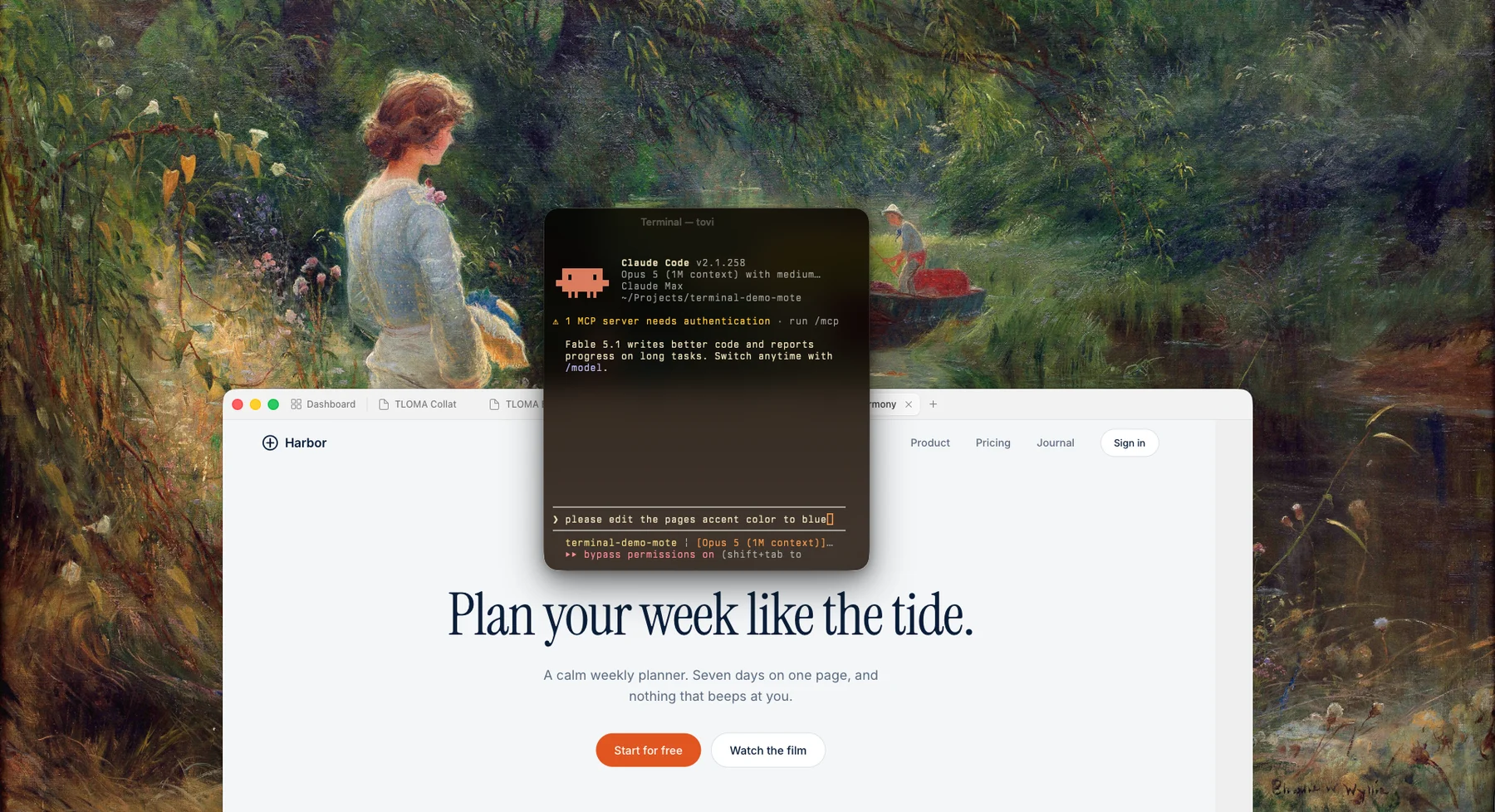
Claude Code running in Mote’s floating terminal pane above a web page
Claude Code in Mote’s panel

Moving your notes from Apple Notes

Mote reads plain markdown, so there’s nothing to convert.

  1. 1In Notes on macOS 26 or later, select a note and choose File > Export To > Markdown.
  2. 2Move the .md files into ~/.mote/notes.
  3. 3Press ⌘O in Mote. Your notes are in the picker, ready to edit.

Apple Notes and Mote: common questions

Something else? Ask in the Discord

Try Mote free for 3 days.

The full app, no account or card. If it earns its place on your Mac, it’s $18.99 once.