

Compare/Raycast Notes·Updated

Mote vs Raycast Notes

Raycast Notes is free and unlimited now, kept inside Raycast, with sync on Pro at $96 a year. Mote keeps every note as a markdown file, syncs through your own iCloud, and costs $18.99 once.

Free for 3 days. No account, no card.

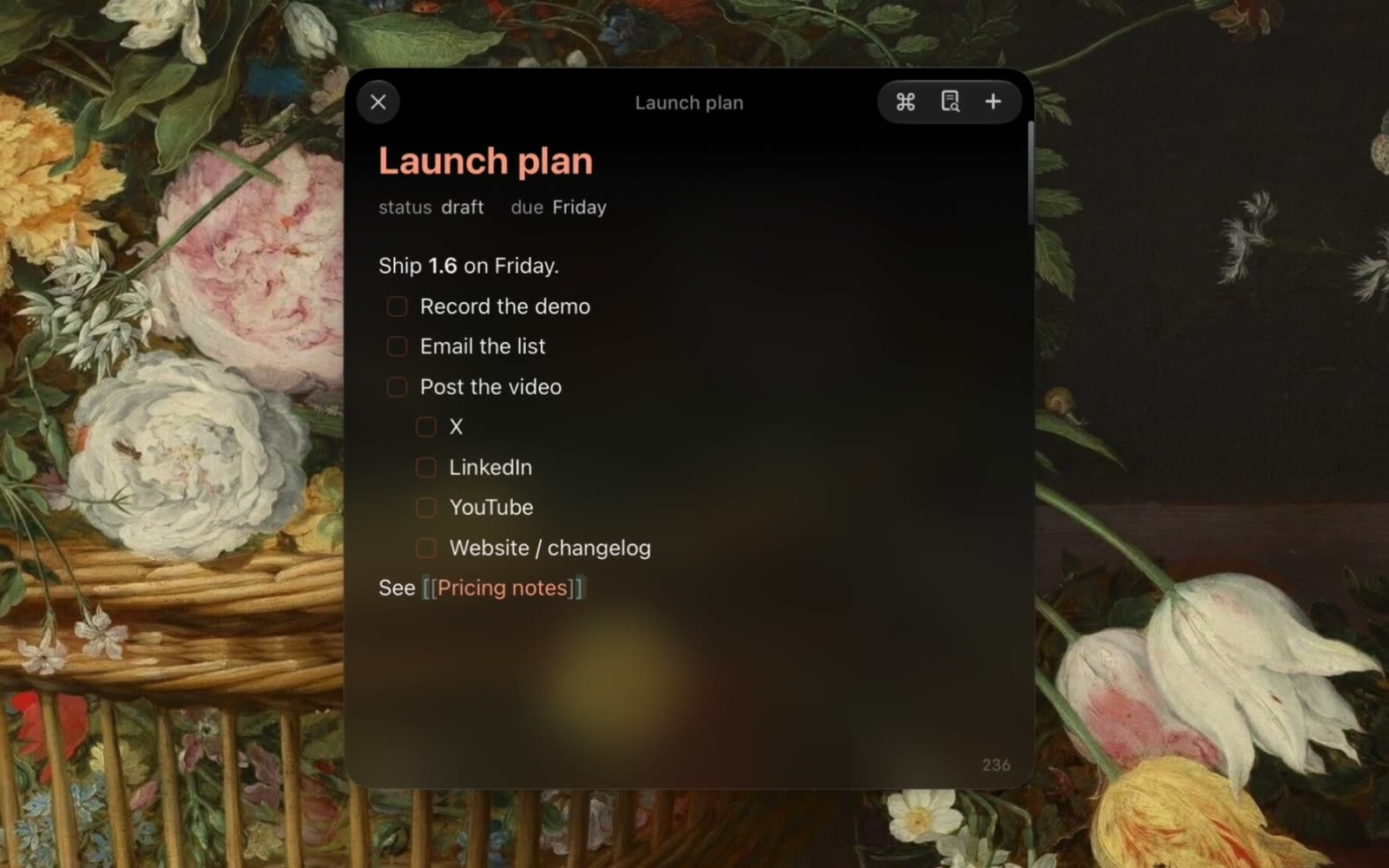
A recording of Mote: writing a note, an agent editing it, and changing the look

What is Raycast Notes?

Raycast Notes is the notes feature built into the Raycast launcher. It opens as a floating window with markdown formatting, and keeps notes in an encrypted database inside Raycast. Notes are free and unlimited on every plan. Raycast Pro, at $10 a month or $96 a year, adds Cloud Sync across Mac, Windows, and iOS.

Mote or Raycast Notes: which should you choose?

Choose Raycast Notes if…

  • You already use Raycast and want a free notepad inside it
  • You need your notes on Windows as well as your Mac
  • You already pay for Raycast Pro, so sync and AI are covered
  • A quick note is all you need: no meetings, no vault, no agent

Choose Mote if…

  • You want every note saved as a .md file that Obsidian, git, or any editor can open
  • You want your Mac notes synced to your iPhone without a subscription
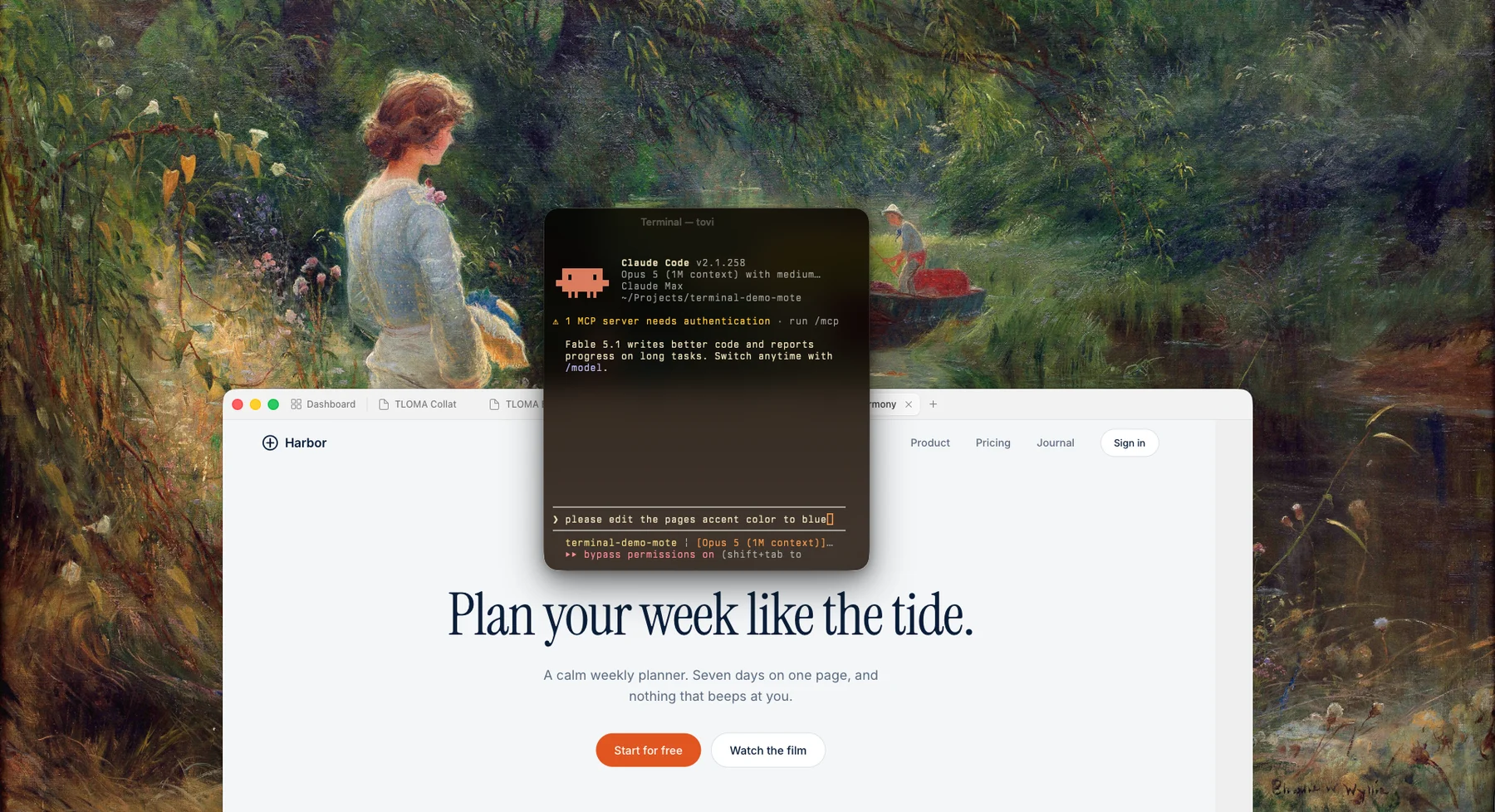
  • You want Claude Code or Codex reading and editing your notes, right in the panel
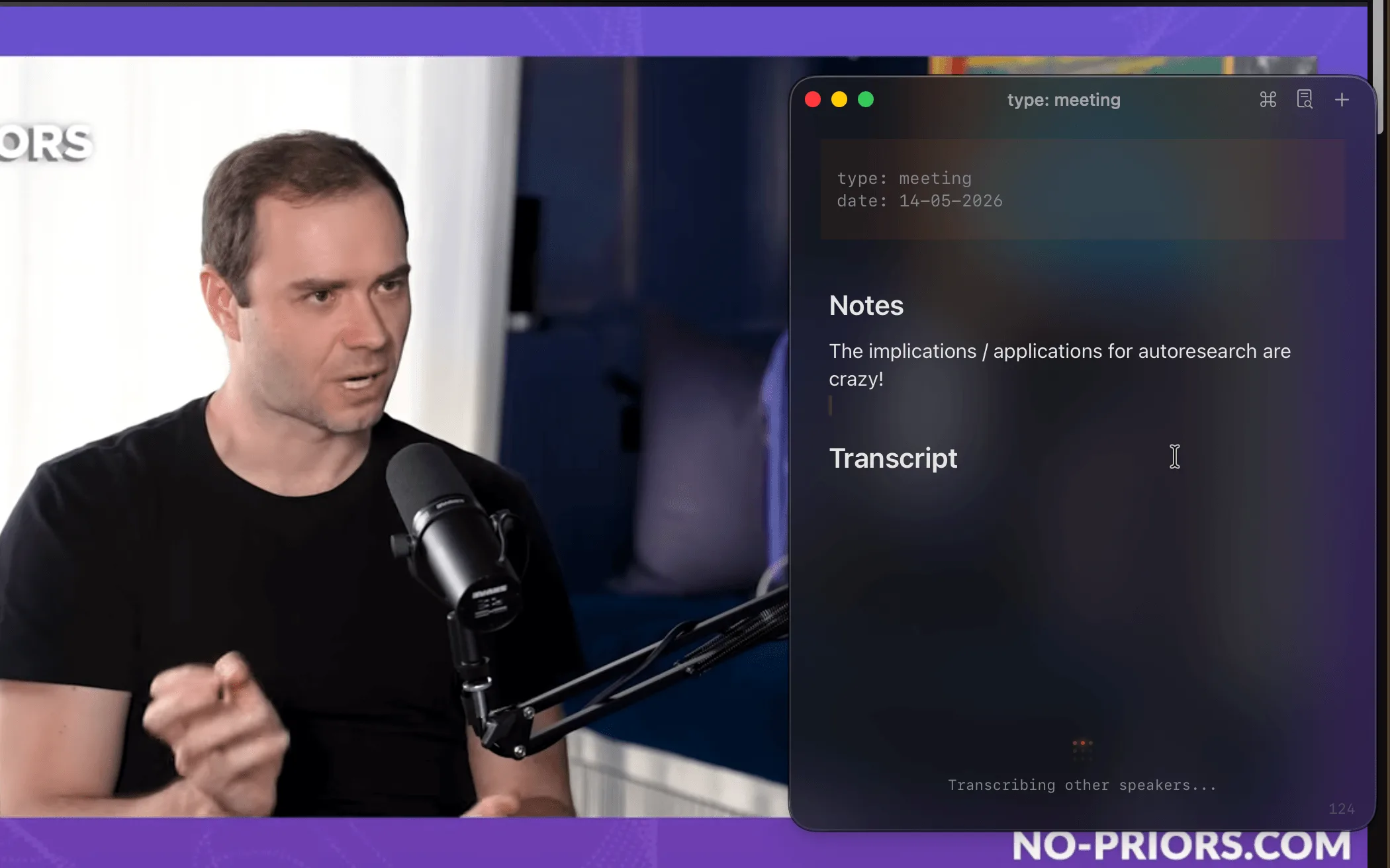
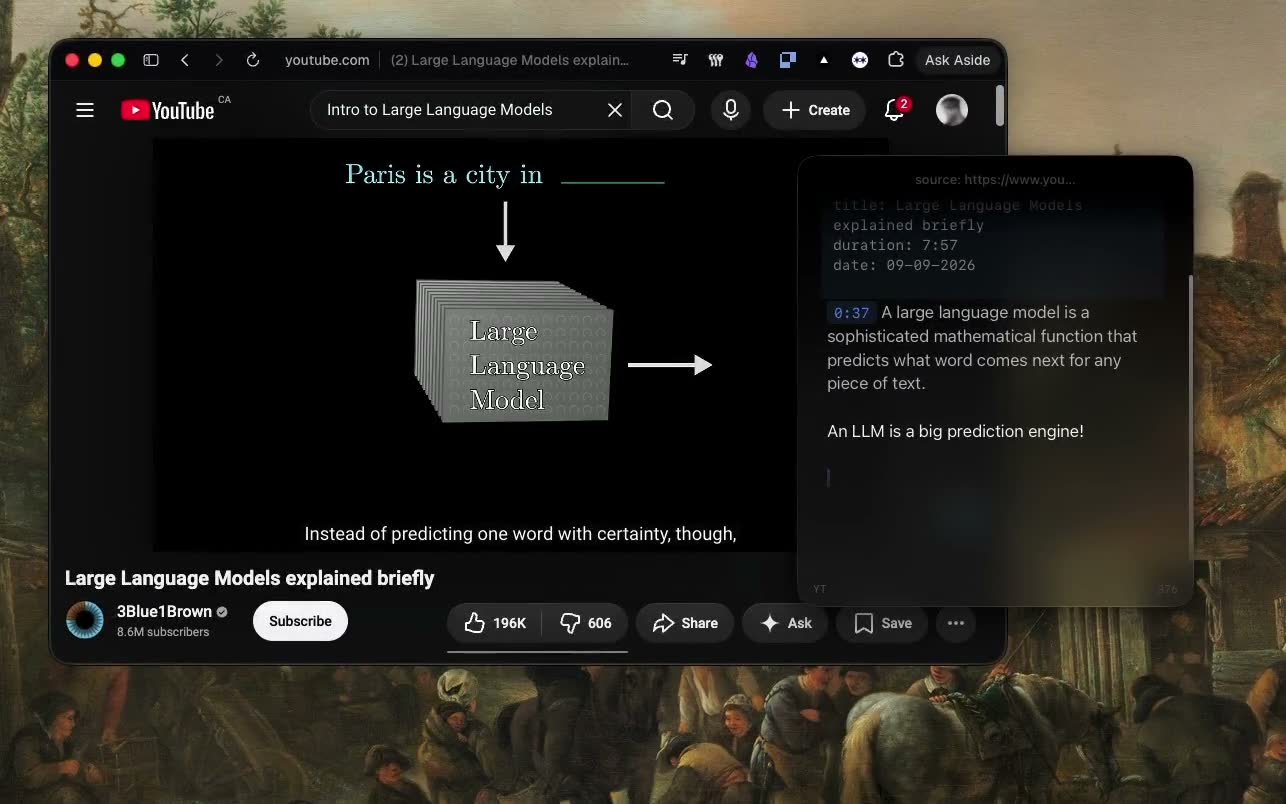
  • You take notes on calls or lectures: meetings transcribed on your Mac, YouTube paused while you type
“don't sleep on mote it's raycast floating notes, with a whisper clone inside because why not”
Igor bedesqui@bedesquiOn X
“The app looks just fantastic, much much better than raycast note or any other products”
fatsheepER@fatsheepEROn Discord

Mote vs Raycast Notes: features compared.

Checked against Raycast’s own pages on Nov 10, 2026.

Mote compared with Raycast Notes
MoteRaycast Notes
Price$18.99 once (first 100 copies), then $24.99Free, with unlimited notes; Pro is $10/mo or $96/yr
Standalone appPart of the Raycast launcher
Floating window
MarkdownLive markdown, saved as .mdMarkdown formatting in its own editor
Where notes livePlain .md files on your MacEncrypted database; export to .md
SyncYour own iCloud; free iPhone app, in betaMac, Windows, and iOS, with Pro
AccountNoneNone for notes; sync needs a Pro account
ObsidianSearch the vault, open daily notes, file notes with ⌘⇧E
Meeting transcriptionOn your Mac, with You/Them labels
YouTube notesAuto-pause and timestamp links
AI in notesAgent mode: Claude Code, Codex, or OpenCode reads and edits your notesRaycast AI commands, on paid plans
RequiresmacOS 15 or laterRaycast 2: macOS Tahoe on Apple silicon
No account, no card. $18.99 once after that.

How Mote differs from Raycast Notes.

Files you can open anywhere

Raycast keeps notes in an encrypted database; to use one elsewhere, you export it. Mote writes each note as a plain markdown file in ~/.mote/notes as you type. Open it in Obsidian, search it from the terminal, commit it to git. Stop using Mote, and your notes stay where they are.
Sync without a subscription

Raycast Notes is free on one Mac. Getting those notes onto another device takes Cloud Sync, which is part of Pro: $10 a month, or $96 a year. Mote syncs through your own iCloud to a free iPhone app, now in beta, with no Mote account. If you need Windows, Raycast is the one that has it.

A notepad, or everything around it

Raycast Notes is one feature of a launcher: a floating window with markdown formatting and search. Mote is built around that window. Start a meeting and it transcribes on your Mac with You/Them labels. Play a lecture and the video pauses while you type. Press ⌘⇧E and the note lands in your Obsidian vault.

Agent mode, or Raycast AI.

Raycast AI comes with Raycast’s paid plans. Mote’s Agent mode puts Claude Code, Codex, or OpenCode in the panel, using the install you already have.

The agent works on your notes as files. Ask it to pull the action items out of last week’s notes, or to turn a rough page into a spec, and it edits the markdown in place. Every edit can be undone.

  • Reads, creates, and edits your notes, with undo
  • Runs commands in a terminal pane and reads back the output
  • Uses your Claude skills, and takes a screen area as an attachment
  • Quick Chat: a throwaway question from any app
  • In a meeting, the chat already knows the live transcript

Keep Raycast. Replace Raycast Notes.

Mote is a Raycast Notes alternative, not a Raycast replacement.

Keep Raycast as your launcher: apps, commands, snippets, all of it. Use Mote for the layer that floats: notes that stay above whatever you’re doing, meetings transcribed on your Mac, and an agent (Claude Code, Codex, or OpenCode) that reads and edits your notes in the next pane.

Claude Code running in Mote’s floating terminal pane above a web page
Claude Code in Mote’s panel

Moving your notes from Raycast Notes

Mote reads plain markdown, so there’s nothing to convert.

  1. 1In Raycast Notes, export each note as markdown.
  2. 2Move the .md files into ~/.mote/notes.
  3. 3Press ⌘O in Mote. Your notes are in the picker, ready to edit.

Raycast Notes and Mote: common questions

Something else? Ask in the Discord

Try Mote free for 3 days.

The full app, no account or card. If it earns its place on your Mac, it’s $18.99 once.