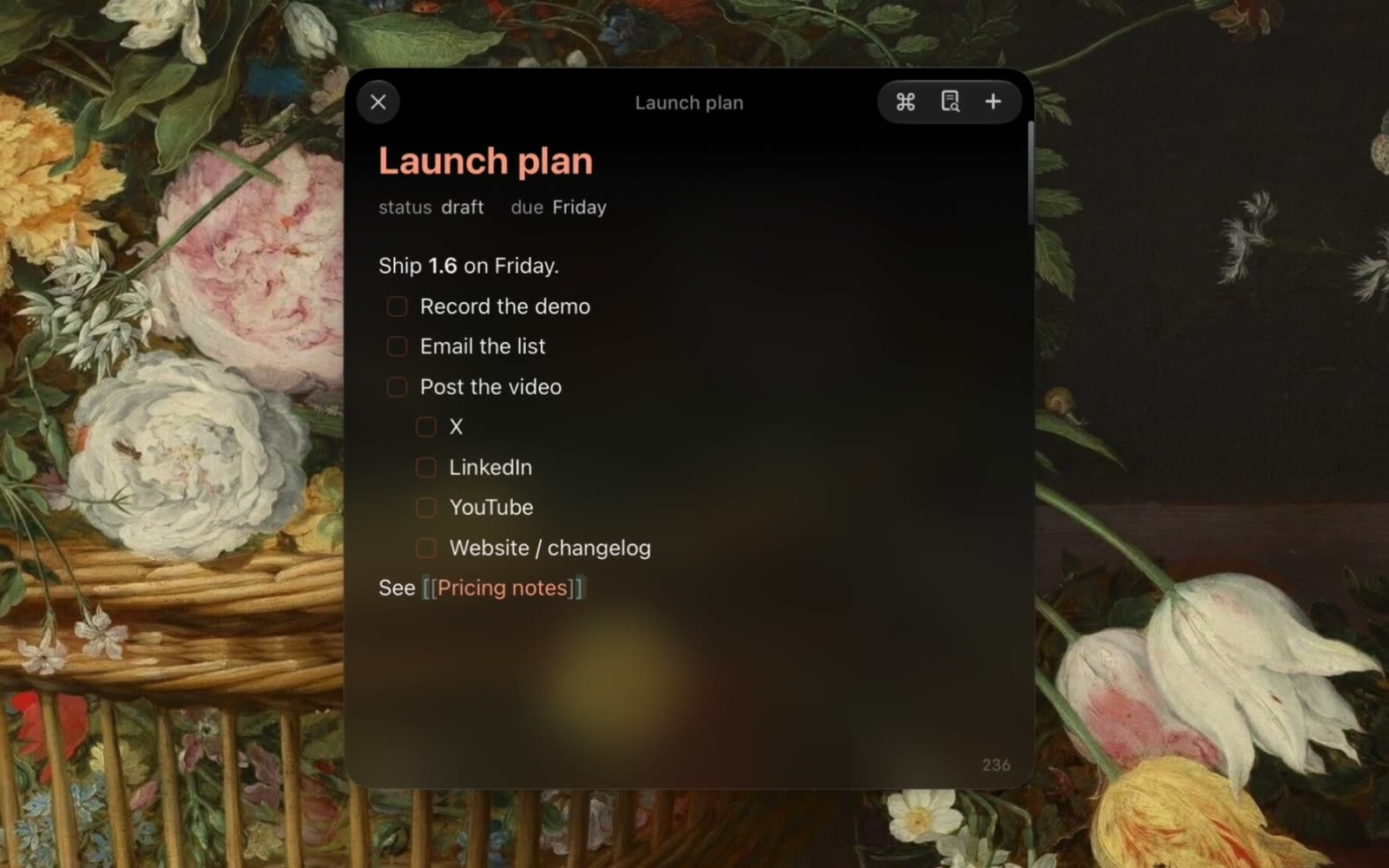
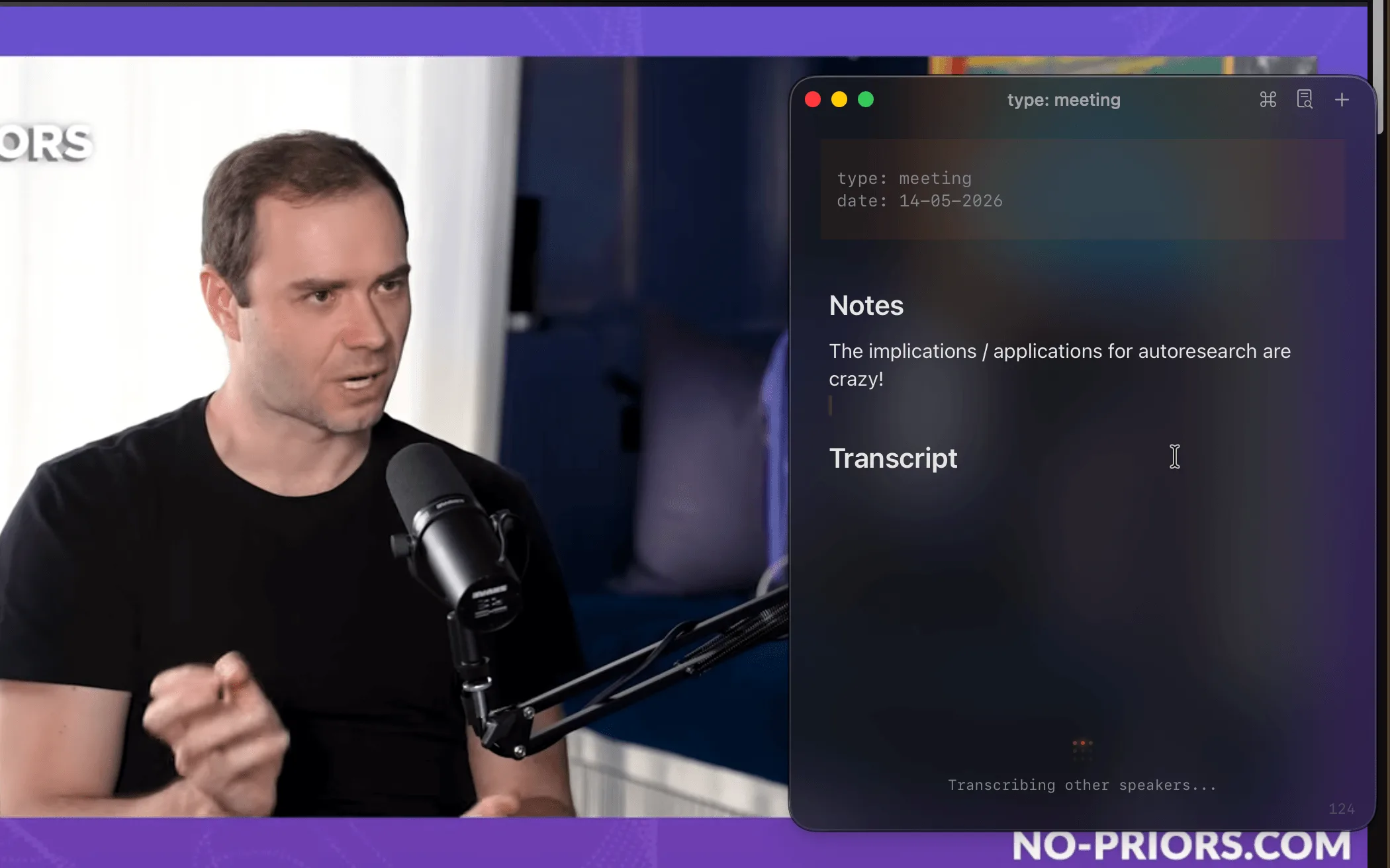
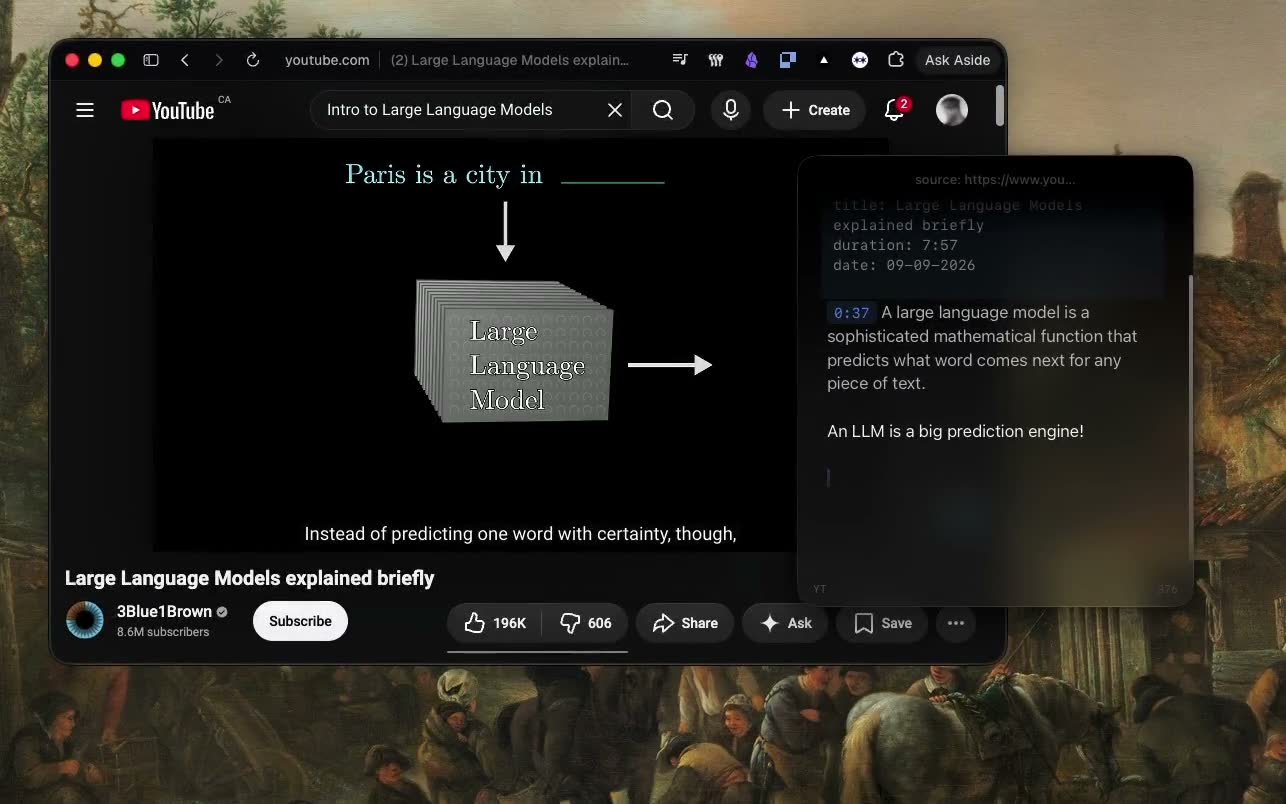
Granola is an AI meeting notepad for teams, with transcription and summaries in its cloud, priced per user. Mote transcribes meetings on your Mac, in the floating notepad you already type in, and saves them as markdown files, for $18.99 once.
Granola is an AI notepad for meetings. It captures your computer’s audio without adding a bot to the call, transcribes it with cloud providers, and turns your notes into AI-enhanced summaries. It runs on Mac, Windows, iOS, and Android, with shared folders and integrations. Basic is free with 30 days of history; Business is $14 per user a month.
Mote or Granola: which should you choose?
Choose Granola if…
–Your team shares meeting notes in folders, with admin controls and SSO
–Notes should flow into Slack, Notion, HubSpot, Attio, or Salesforce
–You want polished AI notes out of the box, with no agent of your own to set up
–You need it on Windows, Android, or Apple Watch, or want a free plan
–Your company needs SOC 2 Type II, or HIPAA on Enterprise
Choose Mote if…
–You want the transcript in the floating notepad you already type in, one shortcut away
–You want meeting audio transcribed on your Mac, and the recording kept there
–You want every meeting note as a .md file you own, ready for Obsidian or git
–You’d rather pay once than per user, per month
–You already use Claude Code, Codex, or OpenCode and want it writing the summary
“It's one of those products you really don't think you need, but once you have it, you can't live without it. Meeting notes, notes, terminal, all in one place. It's genuinely a life-changer.”
Granola’s security page says it uses “secure cloud processing” for transcription and AI summaries, with providers like Deepgram and Assembly, and keeps the transcript but not the audio. Mote transcribes mic and system audio on your Mac with local speech models: live captions during the call, a refined transcript after. The recording stays on your Mac and plays back from the note.
A meeting app, or the notepad you already use
Granola is built around meetings, and syncs with your calendar to spot the next one. Mote is the floating notepad you summon with ⌘. for everything else too. Start a meeting in it and the transcript lands next to what you type; afterwards the note is a .md file in ~/.mote/notes, beside the rest of your notes.
Built for teams, or for one Mac
Granola’s Basic plan is free with 30 days of history. Unlimited history, follow-up emails, and integrations like Notion and HubSpot are on Business, at $14 per user a month. Mote has no shared folders and no admin console. It’s one app for your Mac, for $18.99 once, with no subscription.
Granola writes AI notes for you, through AI providers like OpenAI and Anthropic, with nothing to set up. Mote’s summaries need Agent mode: they run through the agent you connect (Claude Code, Codex, or OpenCode), on your own account. They aren’t made on-device.
With Agent mode on, Mote writes a summary after every meeting, plus the formats you switch on: action items, decisions, a follow-up email, or your own prompt. It expands the rough lines you typed into full ones from the transcript, and edits the markdown in place. Every edit can be undone.
–Reads, creates, and edits your notes, with undo
–Runs commands in a terminal pane and reads back the output
–Uses your Claude skills, and takes a screen area as an attachment
–Quick Chat: a throwaway question from any app
–In a meeting, the chat already knows the live transcript
Moving your notes from Granola
Granola copies a note’s summary as Markdown but has no .md file export, so this one is copy and paste.
1In Granola, open a note’s three-dot menu and choose Copy enhanced notes. That copies the summary as Markdown, not the transcript.
2Paste it into a new note in Mote. It’s now a .md file in ~/.mote/notes.
3For your whole history, Granola can email a CSV of every note’s summary and transcript: Settings > Profile > Generate CSV.
Yes, for one person on a Mac. Mote for Mac (getmote.md) transcribes meetings on your Mac with no bot, in the floating notepad you already use, and saves each note as a .md file, for $18.99 once. It has no team features, Windows app, or CRM integrations; if you need those, Granola fits better.
No. Granola captures your computer’s audio, so no bot joins, and you start it yourself for each meeting. Mote doesn’t add a bot either.
In the cloud. Granola’s security page says it uses “secure cloud processing” for transcription and AI summaries, with providers like Deepgram and Assembly. It stores the transcript and your notes, not the audio.
No. Mote transcribes microphone and system audio on your Mac with local speech models, and the audio isn’t sent to a cloud transcription service. The recording stays on your Mac and plays back from the note.
No. Summaries, action items, and follow-up emails need Agent mode, and run through the agent you connect (Claude Code, Codex, or OpenCode) on your own account. Transcription is local; summaries aren’t.
Basic is free, with 30 days of meeting history. Business is $14 per user a month and adds unlimited history, integrations, follow-up emails, pre-meeting briefs, and API access. Enterprise is $35 per user a month, with SSO and admin controls.
Partly. Granola copies a note’s AI summary as Markdown, sends notes to tools like Notion and Slack, and can email a CSV of your full history with summaries and transcripts. It doesn’t document a .md file export. Mote’s notes are already .md files.
Yes. A meeting note in Mote is a markdown file, and Mote’s Obsidian integration files it into your vault with ⌘⇧E.
Mote. It transcribes meetings on your Mac with no bot, keeps every note as a .md file, and costs $18.99 once. Try it free for 3 days, no account or card.
Try Mote free for 3 days.
The full app, no account or card. If it earns its place on your Mac, it’s $18.99 once.